


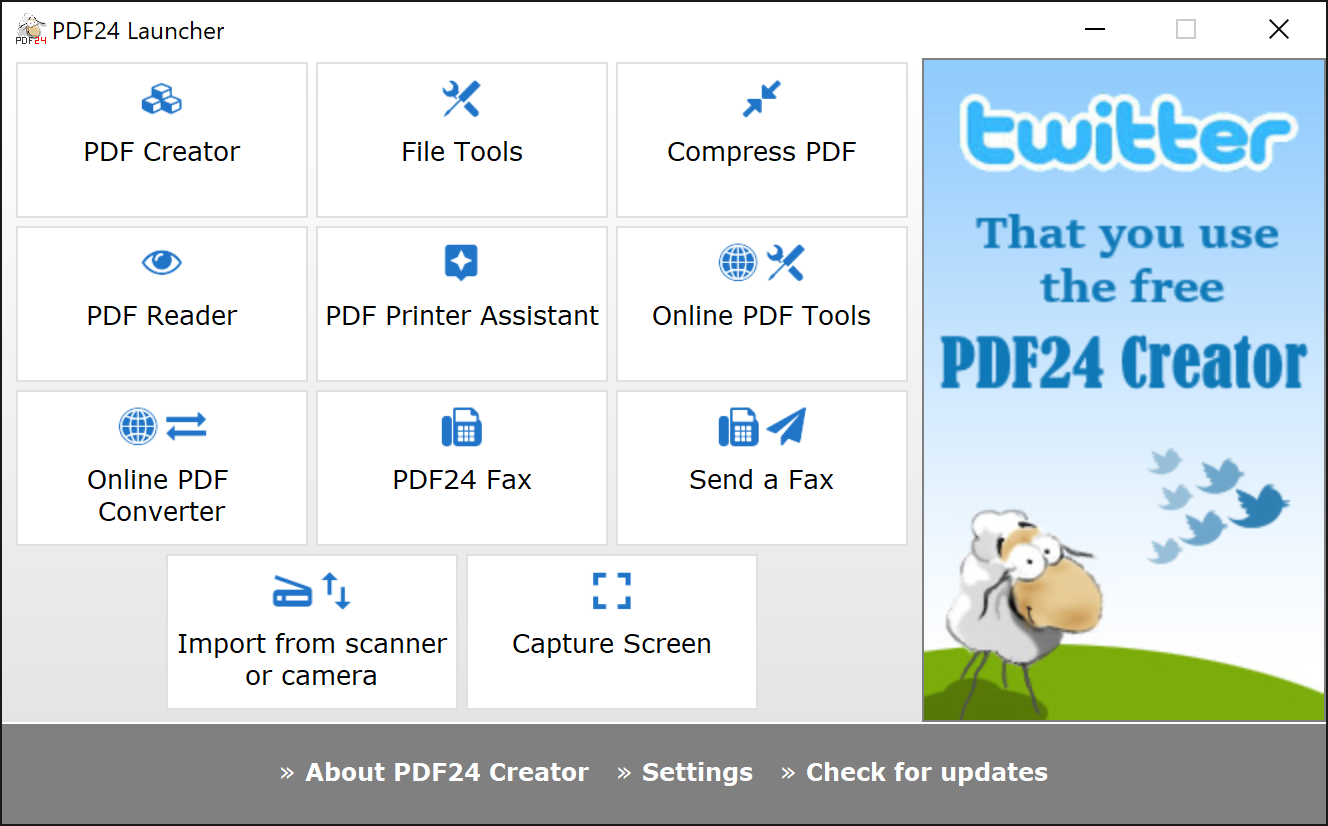
PDF24 Creator is an easy-to-use suite of tools for building and manipulating PDF files.
Install the program, and, just like many similar applications, it'll add a virtual printer driver to your system. And then, to create a PDF file from just about anything, you simply open the relevant document, choose the Print option, point your application at the PDF24 printer, and it'll produce the file for you.
If you need more control, then viewing the Printer Preferences will allow you to change settings relating to image and page compression, font embedding, and more.
And the PDF24 Editor then allows you to play around with the file you've just created (or any other PDF file you might have available). So you can split or merge PDFs, for instance, rotate pages, or move them from one file to another. There are options to change the file quality. And the program even allows you to create a self-signed digital certificate in just a few clicks, which you can then use to sign your PDF file.
Verdict:
PDF24 Creator doesn't offer quite as much control over your PDF files as some of the competition, however its editor and digital certificate features mean the program may still be worth a look
Your Comments & Opinion
Produce a PDF document from just about any Windows application
Create industry-standard PDF files from any Windows application.
Quickly create industry-standard PDF files from any printable document
Convert almost any documents to PDF format in a click
Lightweight PDF reader that doesn’t compromise on features
Easily edit any content in any PDF file with this compact and affordable tool
Completely remove unwanted software from your computer
Bring the classic Start menu back to Windows 11 and Windows 10
Are your drivers up-to-date? Here's how to find out
A free tune-up utility to maintain the performance of Windows
Recover valuable hard drive space by locating and deleting redundant and temporary files